
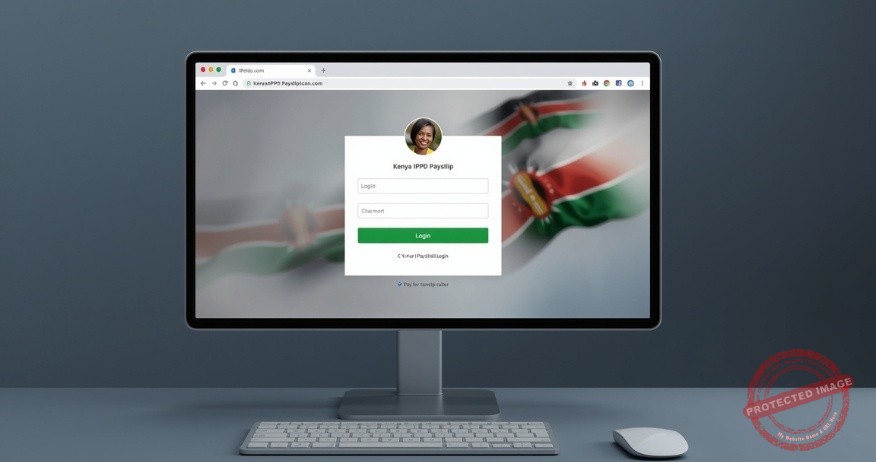
If you are a public servant in Kenya, you have probably heard the buzz about the IPPD payslip login and its system. Perhaps your colleagues are discussing it, or you have seen a memo from the Public Service Commission (PSC). Suddenly, everyone needs to complete their IPPD payslip login to verify their details.
Your first thought might be, “What is IPPD again?” followed quickly by, “How do I even log in?”

Do not worry. You are not alone. Navigating new government portals can feel daunting. But it is actually a straightforward process designed to give you more control and transparency over your pay.
This comprehensive guide will walk you through everything you need to know. From the initial login to understanding the new-look payslip in your hands. Let us demystify the IPPD system together.
What is IPPD and Why Should You Care?
Before we dive into the IPPD payslip login steps, let us quickly cover the basics. IPPD stands for the Integrated Payroll and Personnel Database. In simple terms, it is the government’s centralized, digital system for managing the payroll and records of all public servants.
This is not just an IT upgrade. It is a revolution in how the government handles its single most significant expense: its workforce. The following are some of the key benefits:
a. Eliminating Ghost Workers
By requiring every employee to verify their details personally, the system identifies and removes non-existent workers from the payroll. This saves the country billions of shillings.
b. Faster and More Accurate Payments
A unified digital system reduces paperwork and manual errors, ensuring salaries and deductions are processed smoothly.
c. Transparency for You
The new standardized payslip you receive after logging in to your IPPD payslip provides a crystal-clear breakdown of your earnings and deductions. No more confusion.
Your Step-by-Step Guide to the IPPD Payslip Login Process
Ready to access your account? Follow these steps. Note that the official portal for the IPPD system is hosted on the PSC website.

Step 1: Access the Official Login Portal
Open your web browser (Chrome, Firefox, or Safari) and go to the official PSC IPPD portal.
Pro tip: Always type the URL directly or use a bookmark. Avoid clicking on links from emails or messages you don’t trust to prevent phishing scams.
Step 2: Enter Your Login Credentials
On the homepage, you will see a login section. You will need:
Username: This is typically your Payslip Number or your IPPD Number (your unique employee identification number within the system).
Password: This is your initial/default password. If you are a first-time user, your human resource office often provides this information, or you will use a standard format, such as your National ID number.
Step 3: First-Time Login & Password Reset
If this is your first IPPD payslip login, the system will prompt you to create a new, strong password. This is a critical security step.
Create a strong password that includes uppercase letters, lowercase letters, numbers, and a symbol (e.g., `!`, `@`, “).
Do not share this password with anyone. HR or IT staff will never ask for your password.
Step 4: Navigate to Your Payslip
Once logged in, navigate the dashboard to find the section for ‘Payslips’ or ‘Payroll Information’. You can usually select the month and year you wish to view and then download or print the PDF.
Troubleshooting Common IPPD Login Problems
It is common to hit a snag. Here is how to solve the most frequent issues:
a. “Invalid Username or Password” Error
Double-check for typos. Remember that passwords are case-sensitive. If you have forgotten your password, look for a “Forgot Password?” link on the login page to reset it. This often requires your registered email or phone number.
b. The Page Will Not Load
The server might be down because of high traffic (e.g., right after payday or when a verification deadline approaches). Try again later or during off-peak hours, like early morning or late evening.

c. Your Account Does Not Exist
If you are sure your credentials are correct but still cannot log in, your details may not yet be fully migrated to the system. The first point of contact should be your department’s Human Resources (HR) officer or the IPPD desk officer. They can escalate the issue to the central PSC team if needed.
Understanding Your New IPPD Payslip
Congratulations, you have logged in. Now what are you looking at? The new payslip is designed for clarity. Here is a quick tour:
a. Personal Details
Your name, IPPD number, department, and ID number are clearly displayed at the top.
b. Earnings
This section details your Basic Salary and all your Allowances (house, commuter, leave, etc.), each listed separately.
c. Deductions
This is a comprehensive list of everything deducted from your gross pay, including:
i. PAYE – Your income tax.
ii. SHA – Your health insurance deduction.
iii. NSSF – Your pension contribution.
iv. Other Deductions – Like loan repayments, SACCO contributions, or insurance.
v. Net Pay – The most critical number. This is the final amount deposited into your bank account after all deductions.

Take your time to review every line. This transparency is your right and ensures you are being paid correctly.
Final Thoughts
This is all about embracing a more transparent public service. The move to the IPPD system and the need for an IPPD payslip login are more than just technical requirements.
The steps are toward a more efficient and accountable government. While login hiccups and new processes can be frustrating in the short term, the long-term benefits are immense.
A streamlined payroll means your pay arrives on time, every time. A transparent payslip empowers you with knowledge about your finances. And a system free of ghost workers means more national resources can be channelled into improving the very public services you help deliver.
So, take a deep breath, bookmark the login page, and take control of your payroll information. Your IPPD payslip login is your key to that clarity.
Read More Articles – HERE
For tax consultancy and investment advisory – HERE